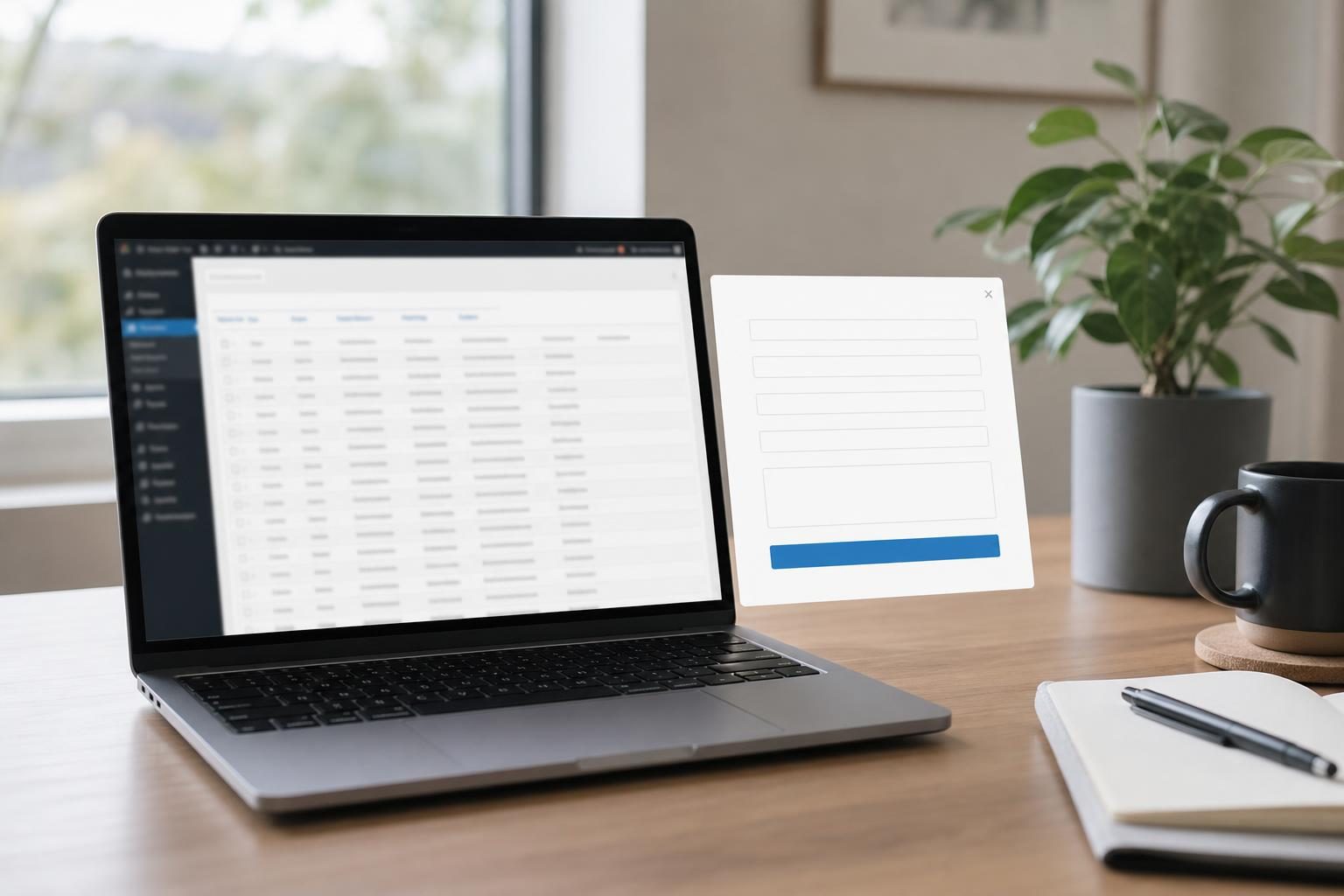

WordPress conversion optimization with popups means tuning four things: when the popup appears, who sees it, what you offer, and how you follow up. Start with one popup, one audience and one action. Keep it easy to close, mobile-friendly and consent-aware, then test one change at a time.
This guide walks through each step in order, from choosing a goal to managing the leads you collect. It is written for site owners, marketers and agencies who want more inquiries without annoying visitors or risking search performance.
Key takeaways
- A high-converting popup has one goal, one audience and one clear action.
- Timing and targeting matter more than design: show the popup when a visitor has shown interest, not the instant the page loads.
- Fewer form fields usually mean more submissions, but extra fields can improve lead quality, so match the form to the offer.
- Google Search Central advises against intrusive interstitials, such as popups that cover the main content right after a click from search. Keep popups easy to dismiss and delay them until the visitor has engaged.
- A popup only pays off if leads are stored safely and followed up quickly.
What is WordPress popup conversion optimization, and when are popups the right tool?
WordPress popup conversion optimization is the practice of designing and testing the timing, targeting, offer and follow-up of on-site popup forms so more visitors become leads, without harming usability or search visibility.
Popups work well for quote requests, consultation inquiries, lead magnets, newsletter sign-ups and time-limited offers. They work poorly when a visitor is mid-task, such as at checkout, or reading a first-time article with no clear next step.
Results vary by site. Rather than chasing generic benchmarks, measure your own baseline first and improve against it.
One popup, one action, one audience
Each popup should ask for one thing from one type of visitor. A popup that offers a checklist, a newsletter, a discount and a quote all at once gives people too many choices, and most will close it.
Pick a single goal before you build
Write the goal in one sentence, for example: “Get service-page visitors to request a quote.” Every later decision about trigger, copy and fields should serve that sentence.
When is the best time to show a popup?
The best time to show a popup is after a visitor has shown some interest, such as scrolling part of the page or reaching for the exit, rather than when the page first loads.
Delay, scroll, exit intent and click triggers compared
| Trigger | Best use | Risk |
|---|---|---|
| Immediate on page load | Rarely recommended | Interrupts visitors before they see any content. On mobile, it matches the kind of interstitial Google Search Central advises against, especially after a search click. |
| Short time delay | High-intent pages such as services or pricing | Too short a delay feels like an immediate popup |
| Scroll depth | Blog posts and long pages where scrolling signals engagement | Visitors who skim may never reach the trigger |
| Exit intent | Desktop visitors about to leave | Does not work the same way on mobile |
| Click-triggered | Lead magnets and quote buttons | Reaches only visitors who have already shown intent by clicking, so volume is lower |
Avoid popups on first page load, especially for mobile visitors arriving from search. Start with scroll depth or a short delay on high-intent pages, and use click triggers for lead magnets. If you want a walkthrough, see how to add an exit intent popup to WordPress without coding.
Frequency caps and dismissal rules
A frequency cap stops a dismissed popup from returning straight away. Keep a closed popup hidden for a sensible period, and never show it again to someone who has already submitted the form.
How do you target popups to the right visitors?
You target popups by matching the offer to the page, the device and the type of visitor, instead of showing the same message to everyone.
- Page type: blog posts get content upgrades, service pages get inquiry or quote popups, pricing pages get consultation offers.
- Device: design separate mobile and desktop experiences.
- Visitor type: treat new and returning visitors differently, and consider the traffic source.
Wisepops covers these options in more depth in its guide to popup targeting.
Page, device and visitor type
Start with page type, since it is the simplest rule and the most relevant. A visitor reading a how-to article wants a related checklist, not a sales call.
Matching offers to business type
- Service business: quote request or free consultation.
- Agency: a checklist or short audit offer on blog content, and a consultation request on service pages.
- Small shop: a discount in exchange for an email address.
For a ready-made approach, read about a popup form for small business inquiries.
What should you offer, and how should the popup be written and designed?
Offer something specific that a visitor on that page would want now: a checklist, a quote, a consultation, a newsletter or a discount for a shop. Vague offers such as “Join our list” give no reason to act.
Headline, button and field choices
The headline should state the benefit. The button should state the action: “Get my quote” is clearer than “Submit”.
For fields, name and email keep friction low. Add a message or phone field when lead quality matters more than volume. The trade-off is simple: more fields usually mean fewer submissions, but the leads tend to be better qualified. Wisepops lists more ideas in its popup best practices.
Google-safe mobile checklist
Google Search Central’s page Avoid intrusive interstitials and dialogs says intrusive popups can make content less accessible and may affect how a page performs in search. Google first announced this approach in August 2016, with changes starting in January 2017. Legally required notices, such as cookie and age gates, are treated differently. The wording can change, so confirm it on the page itself; this article reflects it as of October 2026.
- Make the close button obvious and easy to tap.
- Do not cover the main content right after a search click.
- Use readable text sizes.
- Keep the popup light so it loads fast.
- Make it usable by keyboard and screen reader.
What about consent and privacy on lead popups?
Any popup that collects personal data should state plainly why you collect it, link to your privacy policy and, where the law requires it, include a consent checkbox.
Which rules apply depends on where your visitors live and how you use their data. As an illustration only: GDPR may apply to visitors in the EU or UK, CAN-SPAM to commercial email sent in the United States, and India’s DPDP Act to personal data of people in India. This list is not complete and is not legal advice. Check your own obligations with official sources or a qualified adviser.
A short consent checklist
- State the purpose of collection beside the form.
- Link to your privacy policy.
- Add a consent checkbox where required.
- Only ask for data you will actually use.
- Guard against spam submissions without blocking real leads.
How do you manage popup leads so none are lost?
Popup leads need three things: a safe place to be stored, a clear owner and a response routine.
Store, review, respond, follow up
A simple routine keeps inquiries from going cold:
- Check new leads daily.
- Reply promptly.
- Tag leads by source or interest.
- Export them when you need them elsewhere.
LeadForge Pro is a WordPress plugin that collects visitor emails and custom inquiries directly into your WordPress database, so your leads stay on your own site. Here is how to view popup leads and export them to a spreadsheet.
Keeping a backup of lead data
Leads are business records. Back up your WordPress database regularly so a failed update or a server problem does not wipe out your inquiries.
How do you test and measure popup results?
Track impressions, submissions, submission rate and lead quality, meaning whether a lead became a customer or a real conversation.
A simple test plan
- Record your baseline submission rate.
- Change one thing: timing, headline, offer or fields.
- Run the test long enough to see a pattern.
- Keep the winner and test the next change.
Compare results against your own baseline, not against industry averages.
Common mistakes to avoid
- Showing the popup on page load.
- Running several popups at once.
- Using vague offers.
- Skipping the mobile check.
- Not following up on leads.
- Hiding the close button.
How can you put this into practice today?
Choose one page, one offer and one trigger, launch the popup, and review the results after two weeks.
To start collecting emails and inquiries into WordPress, get LeadForge Pro. It is listed in the Plugins category at ₹500.00, with 1, 3 or 5 year validity options. Check the product page for current details. For more detail first, read the LeadForge Pro review.
Frequently asked questions
What is a good popup conversion rate?
A good popup conversion rate is one that beats your own baseline. It depends on your site, traffic and offer, and published benchmarks vary widely. Measure your current submission rate and aim to improve on it.
Do popups hurt SEO on WordPress?
Popups can hurt search performance if they are intrusive, particularly on mobile. Google Search Central advises against intrusive interstitials, such as popups that cover main content right after a search click. Delayed, easy-to-close popups are lower risk.
What type of popup works best: exit-intent, timed or scroll-based?
No single popup type wins everywhere. Scroll-based or short-delay popups suit high-intent pages, exit intent suits desktop visitors, and click-triggered popups suit lead magnets because they reach people who have already shown interest.
What should I offer in a popup to get emails?
Offer something specific to the page: a checklist, a quote, a consultation, a newsletter or a shop discount. Say clearly what the visitor gets in return for their email.
Do I need consent or a privacy notice on a lead popup?
Usually you need at least a clear purpose and a privacy policy link, and some regions require explicit consent. Rules such as GDPR, CAN-SPAM or India’s DPDP Act may apply depending on your audience. Check local requirements with official sources.
Where do popup leads go in WordPress?
Popup leads go wherever your tool stores them. LeadForge Pro, a WordPress lead-capture plugin from Gracewell, collects visitor emails and custom inquiries directly into your WordPress database.
Next step: pick one high-intent page, write a single-action popup, and choose a sensible trigger. Review your leads after two weeks and adjust one thing at a time.
Found this useful? Share it: WhatsApp