
Free backup plugin for WordPress — complete database and wp-content file backups, processed safely in the background.
Gracewell Backup Manager is a free backup plugin for WordPress that creates complete backups of your website — including your database and every file in wp-content (plugins, themes, and uploads). Backups run quietly in the background via WP-Cron, so your site stays fast and responsive while the backup completes, and every archive is stored securely on your own server with no third-party service required.
If you're a site owner, agency, or developer looking for a reliable, no-cost way to protect a WordPress site before an update, migration, or theme change, Gracewell Backup Manager gives you a full, restorable snapshot in a few clicks. Read more about why a free backup plugin for WordPress like this belongs in every site owner's toolkit.
Gracewell Backup Manager is built for site owners and developers who need dependable, transparent backups without a learning curve. Here's everything included:
Backs up your entire WordPress database plus every file under wp-content — plugins, themes, and uploads.
Backups run via WP-Cron in the background, so your site's speed and your visitors are never affected.
Watch your backup progress live, complete with an estimated time to completion (ETA).
Backups are protected with .htaccess rules and unpredictable file naming so they can't be guessed or accessed directly.
Built-in error log and a one-click diagnostic report export make customer support faster and easier.
Live-refreshing log viewer with copy and clear controls, right inside your WordPress dashboard.
Logs rotate automatically and sensitive credentials are redacted, keeping stored logs clean and safe.
Backup downloads require authentication and strict path validation to prevent unauthorized access.
Deleted backups are soft-deleted and tracked in an audit trail, so nothing disappears without a record.
Ships with the gracewell-backup-manager text domain, ready to translate into any language.
A responsive, uncluttered dashboard lives under Tools → Gracewell Backup, so it's always easy to find.
Gracewell Backup Manager is built for anyone who wants full control over their WordPress backups without paying for a subscription service.
Get a full, restorable backup of your database and files before making changes.
Take safe snapshots before client updates, migrations, or theme and plugin changes.
Protect years of content with a free, reliable backup running quietly in the background.
Skip the monthly backup subscription — everything runs locally on your own server.
Gracewell Backup Manager can be installed via the WordPress plugin directory or manually. Follow the steps below:
Upload the gracewell-backup-manager folder to /wp-content/plugins/, or install it directly from the WordPress plugin directory.
Navigate to Plugins → Installed Plugins in your WordPress dashboard and click Activate under Gracewell Backup Manager.
Go to Tools → Gracewell Backup in the left sidebar menu to view backup status and settings.
Click Start Backup to begin a full database and file backup. Progress runs in the background via WP-Cron with a live progress bar and ETA.
Once complete, download your backup securely from the dashboard, or review logs and diagnostic reports as needed.
Gracewell Backup Manager requires WordPress 5.3 or higher and PHP 7.4 or higher. It has been tested up to WordPress 7.1.2.
Backups created by Gracewell Backup Manager are stored securely on your own server, protected by .htaccess rules and unpredictable file naming. Downloads require authentication and path validation, and sensitive credentials are automatically redacted from logs. No backup data is ever sent to external servers or third parties.
A visual overview of the Gracewell Backup Manager dashboard, progress bar, and log viewer.
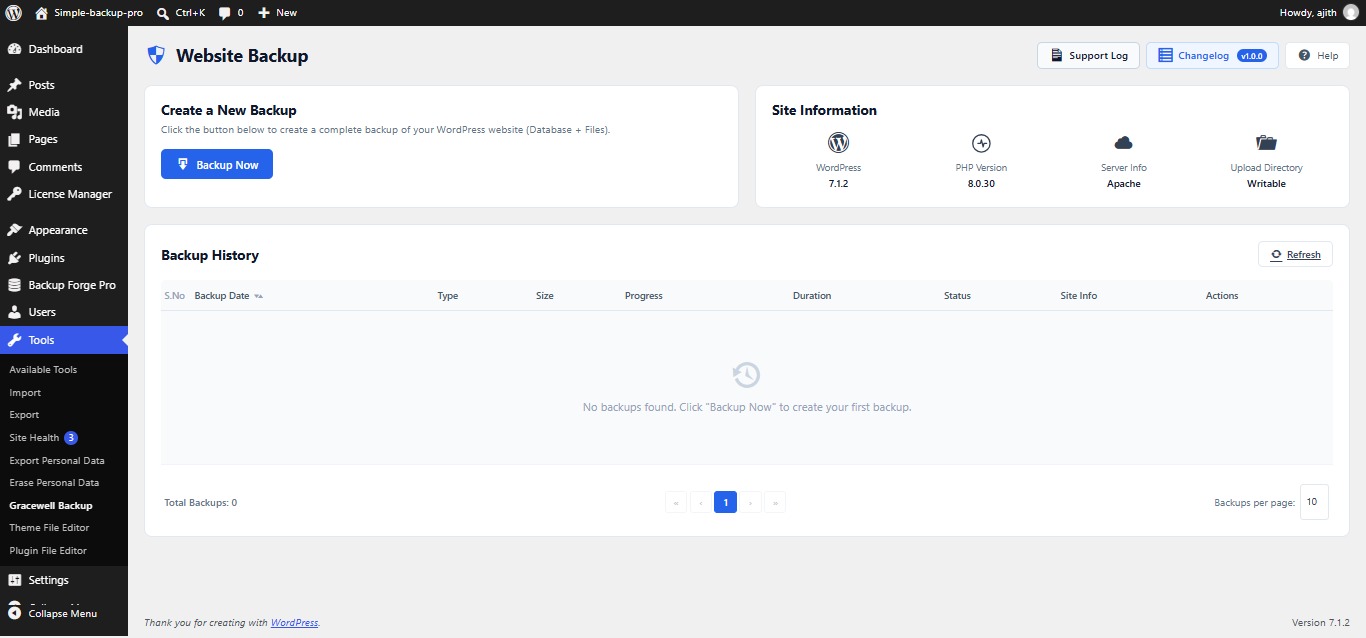
1. Gracewell Backup Manager dashboard under Tools → Gracewell Backup
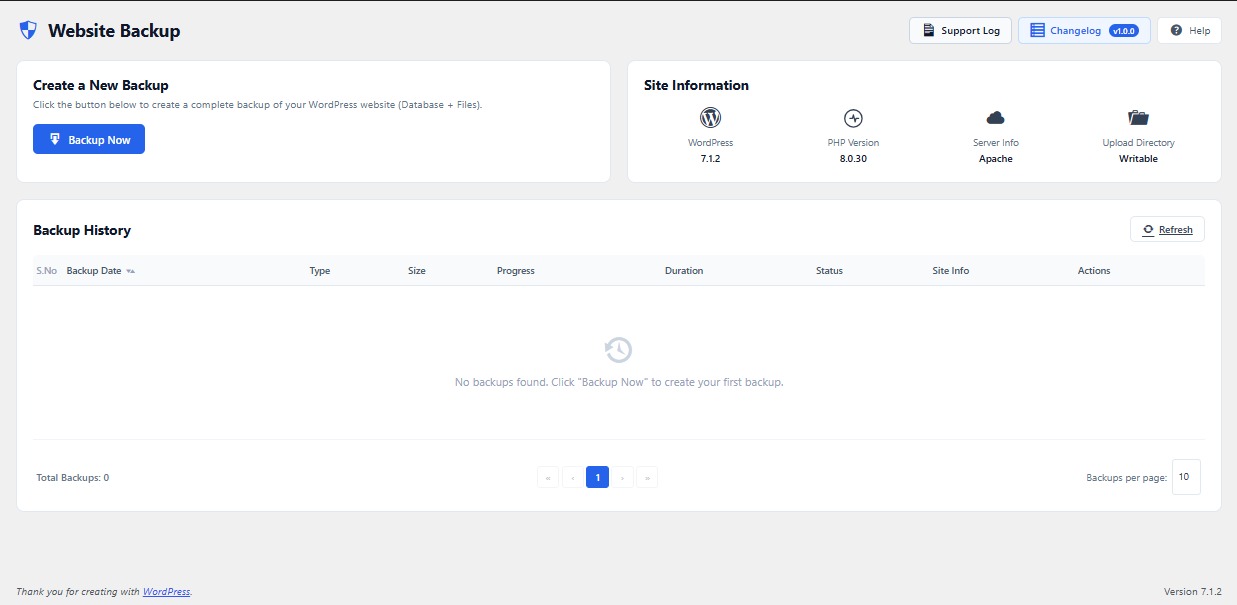
2. Real-time progress bar with ETA during a background backup