10 AI Tools for Business That Save Time and Grow Revenue
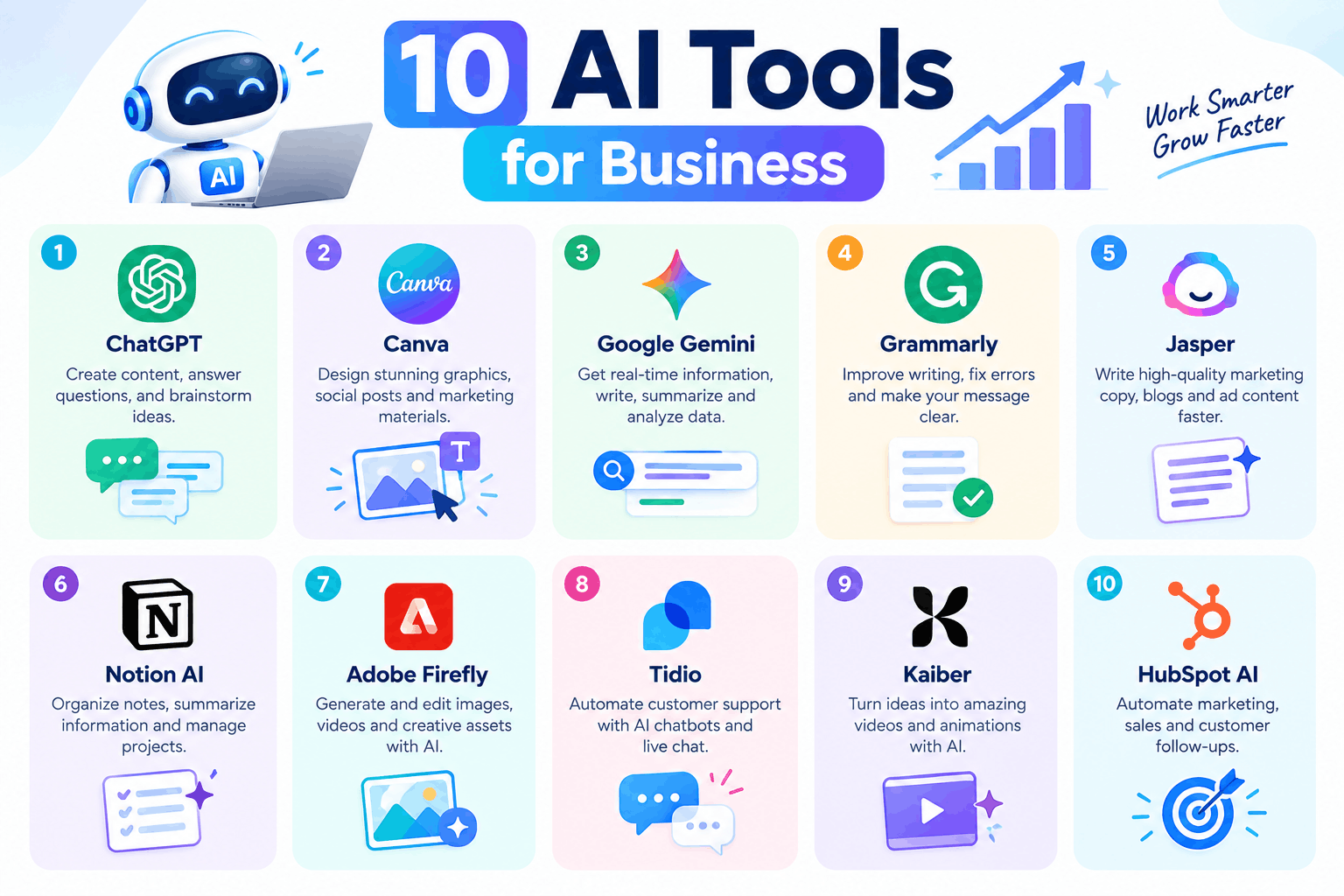
Quick answer: The best AI tools for business include ChatGPT, Claude, Canva, Grammarly, HubSpot, Zapier, Notion AI, Otter.ai, Semrush and Tidio. Together they cover writing, design, automation, meetings, SEO, sales and customer chat. Pick the one that fixes your slowest task first, then add more as you grow.
Running a business means juggling a hundred small jobs. You write emails, post on social media, answer customers, chase leads and still try to plan ahead. Naturally, something always gets pushed to tomorrow.
That's why more owners are turning to AI tools for business. Used well, they take the repetitive work off your plate, so you can focus on decisions that actually move the needle. In this guide, we'll look at ten tools worth your attention, explain what each does best, and show you how to pick the right ones without wasting money.
What Are AI Tools for Business?
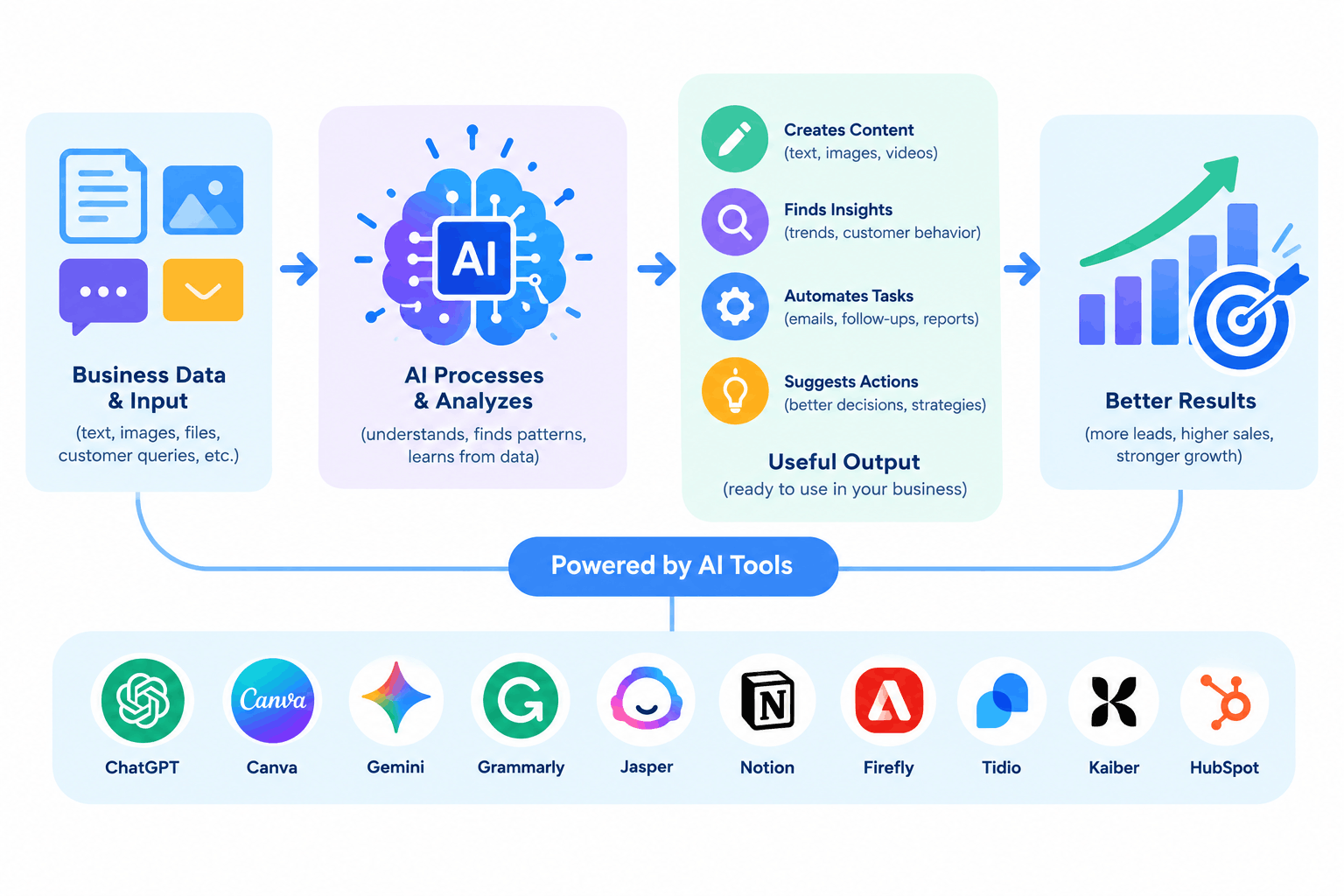
Simply put, these are software products that use artificial intelligence to handle tasks people used to do by hand. They can write a first draft, design a banner, sort enquiries, transcribe a meeting or connect two apps so data moves on its own.
Most of them don't need coding skills. You sign up, connect what you already use, and start with a small task. As a result, even a two-person team can work with the speed of a much bigger one.
10 Best AI Tools for Business in 2026
1. ChatGPT: for writing, research and quick answers
Best for: Content drafts, email replies, brainstorming and summarising long documents.
ChatGPT works like a fast assistant. You can ask it to draft a product description, rewrite a stiff email or explain a topic in plain words. However, treat its output as a first draft. A quick human edit makes all the difference.
2. Claude: for long documents and careful analysis
Best for: Reading reports, comparing contracts, summarising long files and drafting thoughtful replies.
Claude handles long text well, which makes it useful when you need to pull the key points from a thirty-page document. Likewise, it's a good choice for writing that needs a calm, natural tone.
3. Canva: for fast, good-looking design
Best for: Social posts, presentations, flyers and ads.
Canva's AI features help you create images, resize designs and write short copy inside the same editor. Because the templates are ready-made, you don't need a designer for everyday graphics.
4. Grammarly: for clean, clear writing
Best for: Emails, proposals and website copy.
Grammarly checks grammar, tone and clarity as you type. In other words, it catches the small slips that make a business look careless, and it works inside your browser and email.
5. HubSpot: for sales, marketing and customer records
Best for: Tracking leads, writing campaign copy and keeping customer details in one place.
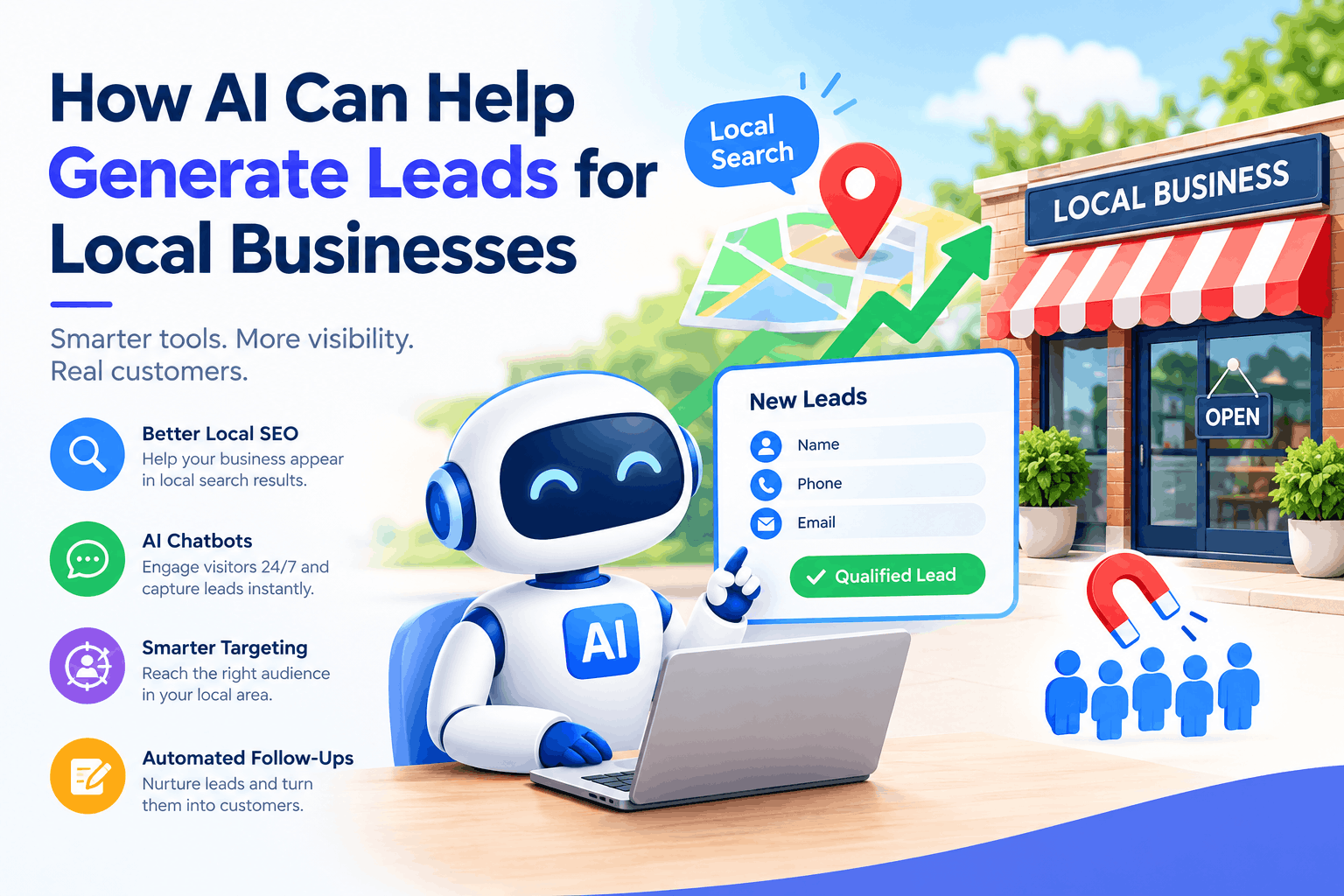
HubSpot combines a CRM with AI features that help draft emails, suggest next steps and report on results. It's especially handy once your lead list grows beyond a spreadsheet. If lead flow is your main concern, our guide on AI lead generation for local businesses shows how to put these ideas to work.
6. Zapier: for connecting your apps
Best for: Automating repeat tasks between tools.
With Zapier, you can set simple rules such as "when someone fills in my form, add them to my sheet and send a welcome email." Once it's running, it quietly saves hours every week.
7. Notion AI: for notes, plans and team documents
Best for: Meeting notes, project plans and internal knowledge.
Notion AI sits inside your workspace, so it can summarise notes, pull out action items and tidy messy pages. Consequently, your team spends less time searching for information.
8. Otter.ai: for meeting notes you don't have to type
Best for: Calls, interviews and team meetings.
Instead of scribbling during a call, let Otter.ai record and transcribe it. Afterwards, you get a searchable summary, which is perfect for client calls where details matter.
9. Semrush: for SEO and search visibility
Best for: Keyword research, competitor checks and content ideas.
Semrush shows what people search for and where your competitors rank. Then, its AI features help you plan content around those searches. For a wider view, read our piece on AI-powered marketing strategies for modern businesses.
10. Tidio: for website chat and customer support
Best for: Answering common questions and capturing leads around the clock.
Tidio adds a chat box to your website that replies instantly, even at midnight. Better still, it can pass tricky questions to a real person, so customers never feel stuck with a bot.
How to Choose the Right AI Tools for Business Growth?
With so many options, it's easy to feel lost. Fortunately, a few simple questions make the choice much clearer.
- What's your slowest task? Start there. If replies take too long, pick a chat or email tool. If content is the problem, pick a writing tool.
- Does it fit your current setup? A tool that connects with your website, email or CRM saves you from copying data by hand.
- Can you try it free? A free plan or trial lets you test real tasks before paying.
- Is it easy for your team? If people need a week of training, they probably won't use it.
- How does it handle your data? Read the privacy policy, especially if you work with customer details.
- Is the price sensible? Compare the monthly cost with the hours it saves.
How to Start Using AI Tools in Your Business
- Pick one problem. For example, "reply to enquiries within ten minutes."
- Choose one tool. Match it to that problem, not to the latest trend.
- Test it on a small task. Try it for a week before rolling it out to everyone.
- Review the output. Always check facts, prices and tone before anything reaches a customer.
- Measure the result. Track time saved, leads gained or costs cut.
- Add the next tool. Only expand once the first one clearly pays off.
Not Sure Which AI Tools Fit Your Business?
Tell us what you're trying to achieve, and we'll help you build a simple plan that works for your team and budget.
Talk to Our TeamCommon Mistakes to Avoid
- Using too many tools at once. It's hard to tell what's working, and your team gets overwhelmed.
- Trusting every answer. AI can make mistakes, so always double-check important details.
- Sharing sensitive data carelessly. Keep passwords, financial records and private customer information out of tools you haven't reviewed.
- Dropping the human touch. Customers still want to feel heard, so keep real people in the loop.
- Skipping training. Even simple tools work better when your team knows how to use them.
Final Thoughts
You don't need all ten tools. In fact, one well-chosen tool often does more than five half-used ones. Start with your biggest time-waster, test it properly, and build from there. Over time, small gains add up to a business that runs smoother and grows faster.
Frequently Asked Questions
What are AI tools for business?
They're software products that use artificial intelligence to handle tasks like writing, design, customer support, scheduling and marketing, so teams can work faster with less manual effort.
Which AI tool is best for a small business?
It depends on your biggest bottleneck. ChatGPT or Claude suit writing and research, Canva suits design, Zapier suits automation, and Tidio suits customer chat. Start with the one that fixes your slowest task.
Are AI tools for business expensive?
Not necessarily. Many offer free plans or low-cost monthly subscriptions, so you can test one before committing.
Can AI tools replace employees?
No. They take over repetitive tasks, which frees your team for work that needs judgement, creativity and relationships.
How many AI tools should a business use?
Start with one or two. Adding too many at once makes it hard to see what works and can confuse your team.
Is it safe to share business data with AI tools?
Check each tool's privacy policy and data settings first. Avoid pasting customer details, passwords or confidential files into any tool you haven't reviewed.
Ready to Put AI to Work in Your Business?
Let's find the right tools for your goals and set them up the smart way.
Get in Touch Today