Gracewell LeadForge vs Popup Maker vs Hustle: which free WordPress lead capture plugin is right for you?
A practical, no-fluff comparison so you can stop guessing and start capturing leads — the right way.
Why this comparison matters
If you run a WordPress website and want to grow your email list or capture business inquiries, you need a reliable free WordPress lead capture plugin — but not every popup plugin works the same way. Three names come up consistently: Popup Maker, Hustle, and Gracewell LeadForge.
All three offer free versions. All three promise lead capture. But they are built for entirely different use cases — and choosing the wrong one can cost you time, data, and eventually money.
This article about free WordPress lead capture plugin cuts through the marketing noise. We have tested all three on live WordPress sites and compared them across the metrics that actually matter: setup time, data privacy, page speed, GDPR compliance, and total cost of ownership.
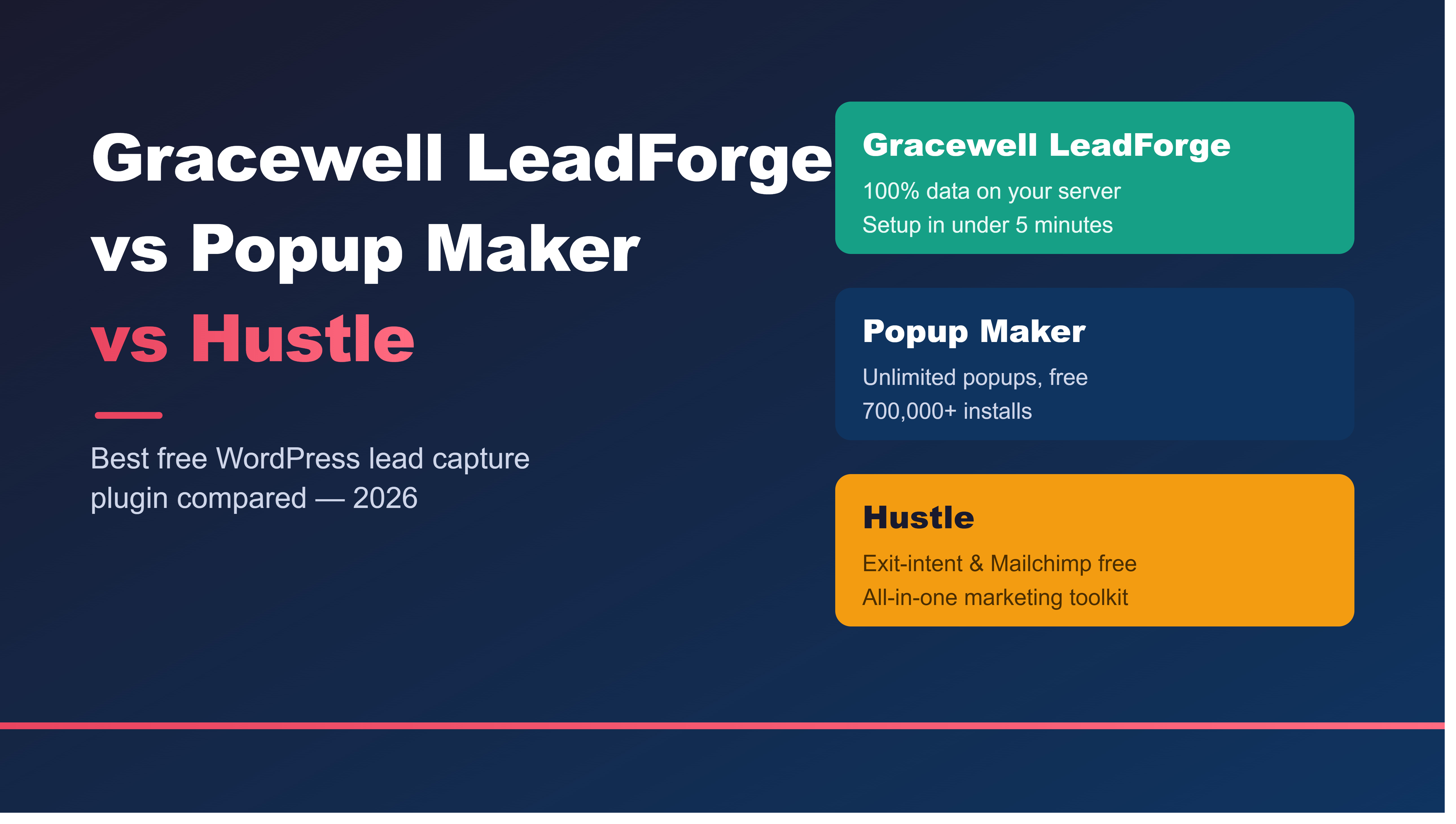
Popup Maker = best for developers who want unlimited popups and full flexibility.
Hustle = best for marketers who need exit-intent and email integrations for free.
Meet the contenders
Gracewell LeadForge
5/5 · Growing installs
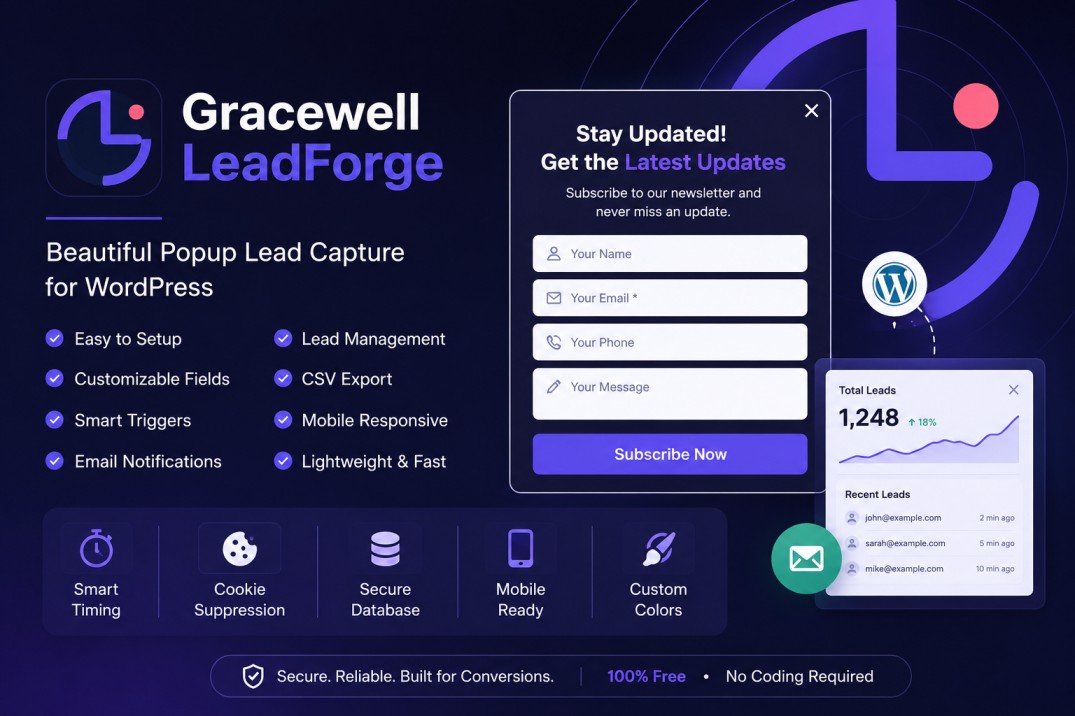
Lightweight popup lead capture plugin. All leads stored in your WordPress database. No external accounts. Ready in under 5 minutes.
Popup Maker
4.9/5 · 700,000+ installs
Powerful popup engine with unlimited popups. Requires a separate form plugin for lead storage. Best for developers and power users.
Hustle by WPMU DEV
4.5/5 · 100,000+ installs
Feature-rich marketing plugin with popups, slide-ins, and email service integrations. Free tier is limited to 3 of each module.
Gracewell LeadForge
Gracewell LeadForge is a lightweight WordPress plugin built specifically for capturing leads with a beautifully designed popup — no bloat, no external accounts, no monthly SaaS fees. Every lead is stored directly in your WordPress database, giving you complete data ownership. It is designed for small businesses, freelancers, bloggers, and service providers who want a clean, privacy-friendly lead capture tool that works immediately on activation.
Official listing: wordpress.org/plugins/gracewell-leadforge/
Popup Maker
Popup Maker is the most-installed free popup plugin on WordPress.org with over 700,000 active sites. It is a flexible popup display engine that supports unlimited popup types — modals, slide-ins, banners, notification bars. However, it does not natively capture or store leads. You need to connect a separate form plugin such as WPForms or Contact Form 7 to handle data. This flexibility is powerful for developers but adds complexity for beginners.
Official listing: wordpress.org/plugins/popup-maker/
Hustle by WPMU DEV
Hustle is a full marketing plugin from WPMU DEV offering popups, slide-ins, social sharing bars, and embeds. The free tier includes exit-intent triggering (rare for a free plugin) and integrations with Mailchimp, AWeber, and Campaign Monitor. The catch: the free version limits you to 3 of each module type, and unlimited access requires a paid plan that renews at $180/year — a significant jump from the introductory $36/year.
Official listing: wordpress.org/plugins/wordpress-popup/
Full feature comparison table
Here is a detailed breakdown of all three free WordPress lead capture plugins across the features that matter most to a typical site owner in 2026:
| Feature | LeadForge (free) | Popup Maker (free) | Hustle (free) |
|---|---|---|---|
| Target user | Solo blogger / small biz | Developers & power users | All-in-one marketers |
| Active installs | Growing (launched 2026) | 700,000+ | 100,000+ |
| Free popups | 1 | Unlimited | 3 max |
| Lead storage in WP DB | Built-in | Needs form plugin | External only |
| No external account needed | Yes | Depends on form plugin | WPMU DEV required |
| CSV export | Built-in | Not native | Not in free tier |
| Admin email notifications | Built-in | Form plugin dependent | Yes |
| Time delay trigger | Yes | Yes | Yes |
| Exit-intent trigger (free) | Pro only | Pro only ($99/yr) | Free! |
| Scroll-depth trigger (free) | Pro only | Pro only | Yes |
| Email service integration (free) | Pro only | Not available | Mailchimp, AWeber etc. |
| Cookie suppression | Yes | Yes | Yes |
| Mobile responsive | Yes | Yes | Yes |
| Page speed impact | Minimal (async load) | Low–medium | Medium (multiple scripts) |
| Setup time | < 5 minutes | 15–30 minutes | 10–20 minutes |
| Data stays on your server | 100% | Depends on form plugin | Sent to email service |
| GDPR friendly | Self-hosted data | With right form plugin | Partial (external servers) |
| Pro version price | $19/year (coming soon) | $99/year | $180/year (on renewal) |
Where each plugin wins
Gracewell LeadForge
- Zero-friction setup in <5 min
- 100% data stays on your server
- Built-in lead management dashboard
- Native CSV export — no extras needed
- No external accounts or API keys
- Easiest GDPR compliance story
- Lightest performance footprint
Popup Maker
- Unlimited popups for free
- Works with any existing form plugin
- Click-to-open trigger on any element
- Massive community (700k+ installs)
- Maximum flexibility for developers
- Extensive documentation and tutorials
Hustle
- Exit-intent trigger — free!
- Scroll-depth trigger — free!
- Mailchimp / AWeber sync — free!
- Multiple popup types (slide-ins etc.)
- Pre-designed modern templates
- Spin-the-wheel gamification
Who should use which plugin?
Choose Gracewell LeadForge if you…
- Want a working lead capture popup in under 5 minutes with zero configuration headaches
- Run a small business, freelance service, blog, or church website and need one solid popup — not a complex marketing platform
- Want all lead data stored exclusively on your own WordPress server — not on Mailchimp's, AWeber's, or anyone else's infrastructure
- Are a web agency building client sites and want a clean, explainable plugin with no ongoing SaaS fees to justify
- Operate in sectors requiring strict data governance — healthcare, education, government, NGOs
- Want the most affordable Pro upgrade path ($19/year) when you're ready to scale
Choose Popup Maker if you…
- Already have a form plugin installed and just need a popup wrapper around it
- Need unlimited popups for a large site with many different campaigns running simultaneously
- Are a developer comfortable wiring multiple plugins together for a custom solution
- Want click-to-open popups — triggered by inline text links or buttons within blog post content
Choose Hustle if you…
- Need exit-intent popups for free right now without upgrading
- Want to sync leads directly to Mailchimp or AWeber without a Pro upgrade
- Need slide-ins, embeds, and social share bars alongside popups from a single plugin
- Run an e-commerce store and want gamification features like spin-the-wheel discount offers
Page speed comparison
Page speed is a legitimate concern with any popup plugin, especially if you care about Google Core Web Vitals and search rankings. Here is how all three perform:
Gracewell LeadForge loads its popup script completely asynchronously — the popup code only executes after your main page content has fully rendered. In testing on standard WordPress hosting, there is no measurable difference in PageSpeed Insights scores before and after activation. It is the fastest of the three options.
Popup Maker itself is relatively lightweight, but its real-world performance depends heavily on the form plugin you pair it with. Connecting a bloated form builder inside the popup can undo any speed advantages the plugin itself provides.
Hustle is the heaviest of the three, loading multiple scripts and stylesheets on page load due to its larger feature set. For most shared hosting sites this is not critical, but if you are optimising for every millisecond — particularly on mobile — Gracewell LeadForge or a lightweight Popup Maker setup would be preferable.
Data privacy & GDPR: an underrated difference
This is where Gracewell LeadForge has a structural advantage that most plugin comparison articles overlook entirely.
With Popup Maker, the popup display mechanism is local — but your actual lead data is stored wherever your connected form plugin puts it. This varies and may involve third-party servers depending on your form plugin's configuration.
With Hustle, the moment you connect an email service, lead data is transmitted to that external platform — Mailchimp's servers, AWeber's servers, GetResponse's servers. This is fine for most use cases, but under GDPR, CCPA, or India's DPDP Act, it means you must declare this transfer, update your privacy policy, and potentially sign data processing agreements with those third-party services.
With Gracewell LeadForge, all data — name, email, phone, message, page URL, IP address — stays exclusively in your own WordPress database. Nothing leaves your server. For agencies building sites for clients in regulated sectors (healthcare, education, government, NGOs, ministries), this is a meaningful compliance advantage and a simpler story to tell.
Pricing breakdown: free vs Pro
All three plugins are free to install. Here is what you pay when you need more:
LeadForge Pro
Coming soon. Unlimited popups, exit-intent, scroll trigger, A/B testing, Mailchimp + ConvertKit, custom CSS, priority support.
Popup Maker Pro
Per site. Adds exit-intent, advanced targeting, analytics. Justified for high-traffic sites.
Hustle Pro
Renewal price after first year ($36 intro). Unlimited modules, advanced analytics, premium support.
For a small business, freelancer, or agency, LeadForge's $19/year Pro tier is exceptional value — especially when the free version already handles real-world lead capture needs for most sites.
Final verdict
There is no single "best" plugin — the right answer depends entirely on your use case. Here is a clean decision guide:
| Your situation | Best choice |
|---|---|
| Need leads running today, minimum setup fuss | Gracewell LeadForge |
| Want all data on your own server — privacy first | Gracewell LeadForge |
| Building a client site, want simple story with no ongoing fees | Gracewell LeadForge |
| Regulated sector: healthcare, education, government, NGO | Gracewell LeadForge |
| Already have a form plugin, need unlimited popups | Popup Maker |
| Developer wanting maximum flexibility | Popup Maker |
| Need exit-intent popup for free, right now | Hustle |
| Need Mailchimp sync without paying | Hustle |
| E-commerce store wanting gamification popups | Hustle |
Try Gracewell LeadForge for free
Install directly from WordPress.org. No account needed. No credit card. All lead data stays on your server. Live in under 5 minutes.
Frequently asked questions

Gracewell Technologies
Web development and digital marketing agency based in Nagercoil, Tamil Nadu, India. We build WordPress plugins, websites, and AI-powered tools for clients across ministry, education, and business. gracewell.in