
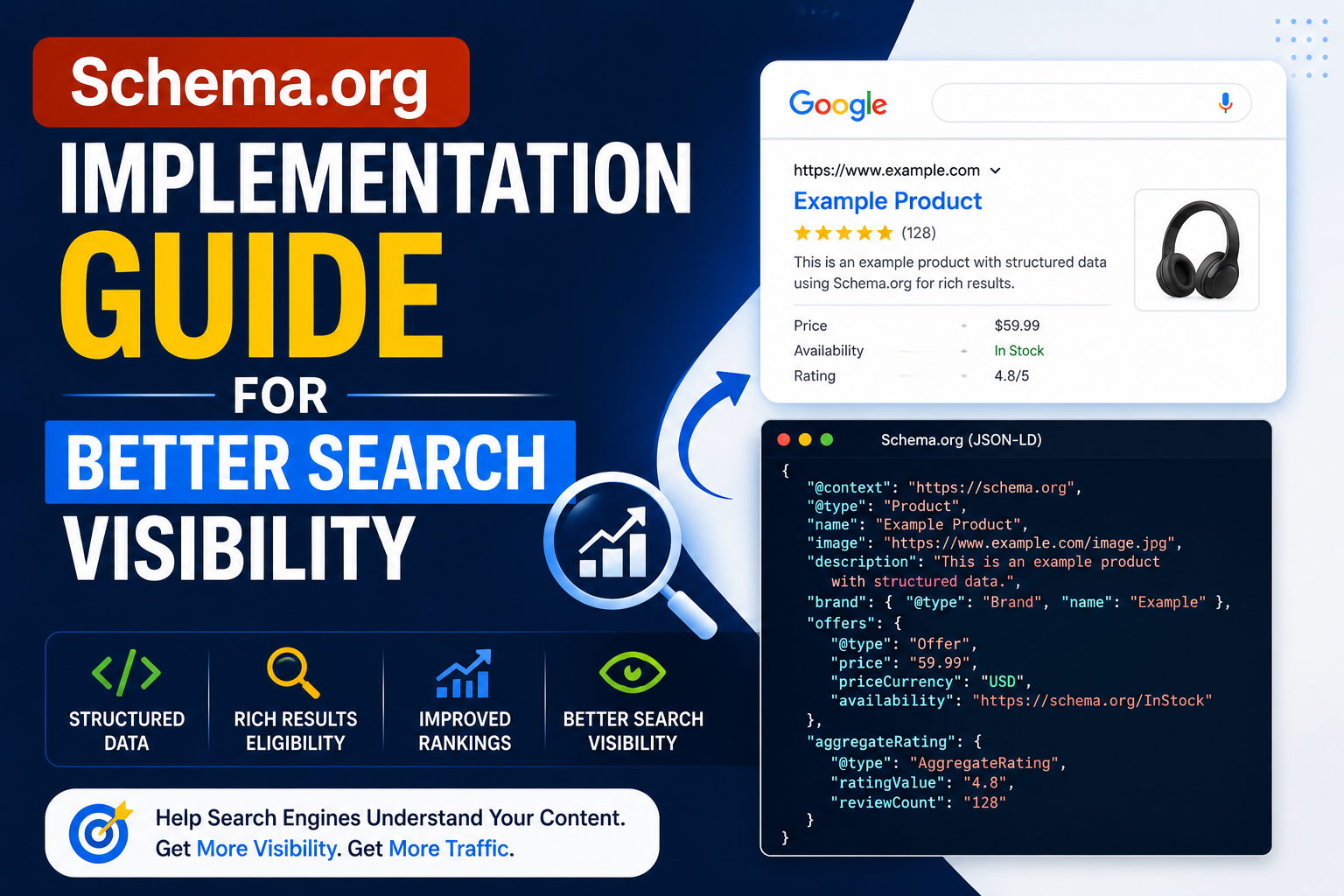
Schema.org Implementation Guide for Better Search Visibility
A practical, step-by-step guide to adding structured data to your website the right way.
If your website's content looks great to visitors but search engines still struggle to understand it, structured data is usually the missing piece. This schema implementation guide walks through exactly how to add schema.org markup to your site using json-ld, the format Google itself recommends, so your pages become eligible for rich results like star ratings, FAQs, and breadcrumbs in search.
What Is Schema.org and Why It Matters
Schema.org is a shared vocabulary maintained collaboratively by Google, Microsoft, Yahoo, and Yandex, used to describe the content on a webpage in a structured, machine-readable way. Instead of search engines guessing whether a page is a recipe, a product, a review, or an article, schema markup tells them directly — which is exactly why a solid schema implementation guide is worth following closely rather than guessing at the syntax.
Without structured data, your content might still rank, but it misses out on the enhanced search listings — star ratings, pricing, event dates, FAQs — that consistently earn higher click-through rates than plain blue links.
Why JSON-LD Is the Recommended Format
Schema markup can technically be added in three formats — Microdata, RDFa, and json-ld — but Google's own structured data documentation recommends json-ld specifically because it's added as a separate script block rather than woven into your HTML attributes.
Easier to Maintain
JSON-LD sits in one script tag, separate from your visual HTML, so design changes don't break your markup.
Google's Preferred Format
Google explicitly recommends json-ld over Microdata and RDFa for most structured data use cases.
Works With Any CMS
Because it's just a script block, json-ld can be inserted into WordPress, Shopify, or custom-built sites easily.
Cleaner Debugging
Structured, nested JSON is far easier to validate and troubleshoot than inline HTML attributes.
Step-by-Step Schema Implementation Guide
Identify the Right Schema Type
Choose the schema.org type that matches your page — Organization, LocalBusiness, Product, Article, or FAQPage are the most common.
Write the JSON-LD Block
Structure your data as valid JSON, wrapped in a script tag with type "application/ld+json".
Insert It Into Your Page
Place the script in your page's head section, or use a plugin/custom field if you're on WordPress.
Validate With Google's Tools
Test the markup using Google's Rich Results Test before publishing to catch syntax errors early.
Monitor in Search Console
Track how your structured data performs and fix any warnings that appear over time.
Example: Organization Schema in JSON-LD
Here's a basic example of how an Organization schema block looks once implemented, following standard schema.org conventions:
Wrap the JSON below inside a script tag with the attribute type="application/ld+json" and place it in your page's head section:
{
  "@context": "https://schema.org",
  "@type": "Organization",
  "name": "Your Business Name",
  "url": "https://www.example.com",
  "logo": "https://www.example.com/logo.png",
  "sameAs": [
    "https://www.facebook.com/yourbusiness",
    "https://www.linkedin.com/company/yourbusiness"
  ]
}
This is a simplified starting point — a complete schema implementation guide for your site would extend this with LocalBusiness details, contact points, or Product and Review schema depending on what each page actually offers.
Common Schema Implementation Mistakes to Avoid
- Marking up content that isn't actually visible on the page — this violates schema.org and Google's guidelines.
- Using outdated or deprecated schema.org properties that Google no longer supports for rich results.
- Adding duplicate json-ld blocks for the same schema type on one page, which can confuse search engines.
- Forgetting to update schema data when the actual page content changes, leading to mismatched information.
For the complete, authoritative list of schema types and properties, the official schema.org documentation is the best long-term reference, alongside Google's own structured data guidelines for what's actually eligible for rich results.
Need Help With Your Schema Implementation?
Implementing json-ld correctly across an entire site — Organization, LocalBusiness, Product, and FAQ schema all working together without conflicts — takes technical precision most in-house teams don't have time for. Our team handles structured data as part of our broader technical SEO and web development services, or browse our portfolio to see how it's been applied across client websites.
Frequently Asked Questions
Does adding schema.org markup guarantee rich results in Google?
No — valid json-ld makes your page eligible for rich results, but Google decides whether and how to display them based on relevance and quality.
Which schema types should I start with?
Organization and LocalBusiness schema are a strong starting point for most sites, followed by Article, Product, or FAQPage schema depending on your content.
Can I add JSON-LD schema without coding knowledge?
Basic schema.org markup can be added through WordPress plugins, but custom or multi-type json-ld setups usually need a developer to avoid validation errors.
Need Help Implementing Schema Correctly?
Get expert help setting up json-ld and schema.org markup that actually earns rich results.
Get HelpAuthor: Gracewell